
Cloud Security in Your Terminal, Free Forever
The kloudsec CLI puts scanning, compliance checks, and findings directly in your terminal and CI pipeline. It's a self-contained native binary, no Python runtime, no dependency install, and it's free to use for as long as you want.
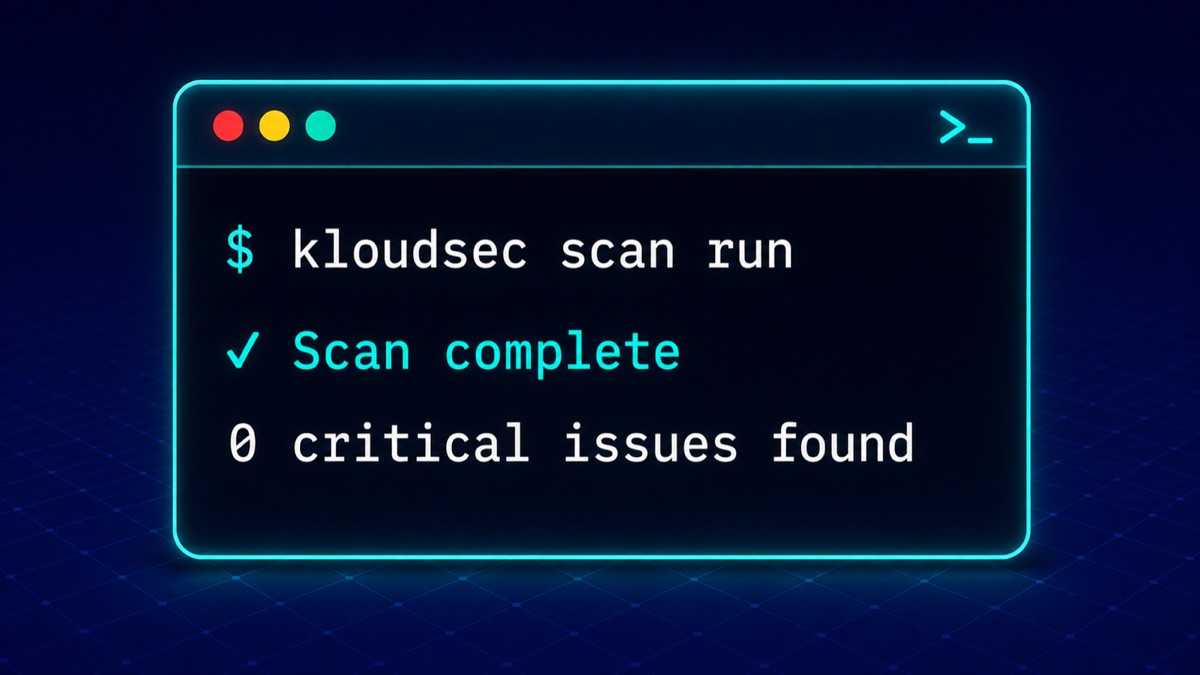
Self-Contained Native Binary
The kloudsec CLI is compiled to a native binary for macOS, Linux, and Windows. There's no Python runtime to manage, no dependency conflicts, and no package manager required, download it and run it.
Built for CI/CD
Drop the CLI into any CI pipeline to run compliance checks, pull vulnerability findings, or gate a build on your security posture, the same engine that powers the KloudSec dashboard, scriptable from the command line.
Same Security Model as the Platform
The CLI authenticates against your KloudSec account and respects the same role-based access controls as the web app, so automation never has more access than the person running it.
Free Forever
The CLI itself has no usage limit and no separate license. If you have a KloudSec account, you can use the CLI to automate as much of your workflow as you want, standalone or alongside the dashboard.
How It Works
Download the binary for your platform
macOS, Linux, and Windows builds are available, no installer or package manager required.
Authenticate with your KloudSec account
Log in once from the CLI, the same account you use for the dashboard.
Run scans, pull findings, check compliance
Use the CLI interactively or script it into your existing automation.
Wire it into CI
Add the CLI as a step in your pipeline to gate builds or deployments on your security posture.
Explore the Rest of the Platform
Automate Your Cloud Security Workflow
Create a free KloudSec account, then download the CLI to bring scanning into your terminal and CI pipeline.
Start Free Trial